



In short. A club gives gym members one app for lifts, food, WODs and body progress under the gym’s own name, logo and colour, with coaches and group classes. It does not run door access or collect dues.
Three apps for one workout
A member lifts and logs it in one app, tracks food in another and weighs in on a third. Their coach, if they have one, sees a screenshot of one of them. None of it carries your gym’s name.
That is the gap a club fills. Members get one record of what they lift, eat and weigh, and your gym is the name on top of it.
What a club is
In One Fitness Hub a gym, studio, boxing club or independent training business is a club. A club has a head coach, coaches and clients. The head coach sets its name, logo and colour, and everyone in the club sees them in the app.

What members see
- Your name, logo and colour in the app and on the sign-in and invitation screens.
- A launch page at onefitnesshub.com/c/ followed by your address, if you choose to publish it. It opens the same app and stays hidden from search engines.
- A Home Screen icon with your club’s name, when a member adds the web app to their phone or desktop.
- Emails with your name beside One Fitness Hub’s. Billing and receipts stay One Fitness Hub’s.
- Invite links that join a new member to the club when they sign up with the invited email address.
What coaches can run
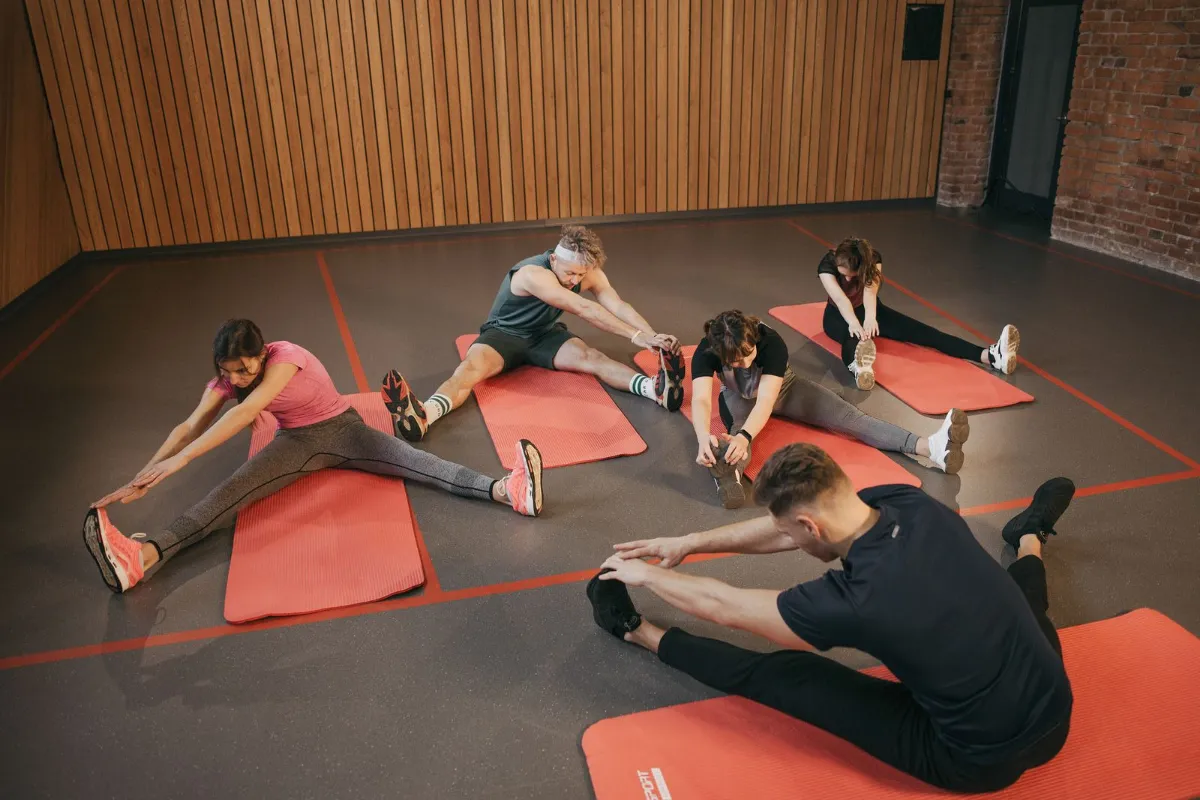
Coaches build routines and programs, schedule workouts and appointments, and follow what clients choose to share. For group sessions, a saved class holds exercises, rounds and work and rest intervals, and a full-screen timer with sound cues runs it in your club’s colours.
What stays private
Nothing is shared with a coach until a member ticks it. Leaderboards are opt-in, so a member who has not joined is not ranked. A member’s food log stays off the community feed unless they choose to share.
What it is not
It is a training, nutrition and coaching app. It does not run door access or collect your members’ dues, so it sits beside whatever you already use for those.
Quick answers
- Do members need a separate app? Members use One Fitness Hub on Android or in any mobile or desktop browser. A published launch page and the Home Screen icon carry the club’s name.
- Is the launch page public? Only if the head coach publishes it, and it is hidden from search engines.
- Does it only suit CrossFit-style gyms? No. It handles strength training, cardio, calisthenics and CrossFit-style WODs.
Where One Fitness Hub helps
- Gym member app covers branding, the launch page, coaches and classes.
- Coaching and personal trainers cover the coach side.
- WOD tracking covers For Time, AMRAP and EMOM results.
This post is general information about using the app, not medical or dietary advice. Targets and estimates in the app are fitness estimates for adults 18 and over.
Did this help?