Nutrition, body and workouts in one record.
Log a meal, a lifting session and a weigh-in in the same app. The analytics dashboards connect your training, food and body check-ins, so you can see how a week actually went.
Explore every feature

Training, food and body progress
Keep strength training, meals and body progress in one record. Log your sets, scan a food label or build a home recipe, then review your progress across the same week.
On Android and the web, with one account. For adults in the 50 United States or DC. See plans and limits. Coaching clients? Start here.
Why One Fitness Hub
Most people track food in one app, workouts in another, weigh-ins in a spreadsheet and coach notes in a chat. Here they share one account, one history and one set of dashboards.
Log a meal, a lifting session and a weigh-in in the same app. The analytics dashboards connect your training, food and body check-ins, so you can see how a week actually went.
Explore every featurePoint your phone at a barcode or a nutrition label and the camera reads it on its own. You check every number before it is saved, and a label photo never leaves your phone.
How scanning worksPersonal trainers and coaches build programs from one week to three months, assign routines, message clients privately and run group class timers. Clients choose which records their coach sees.
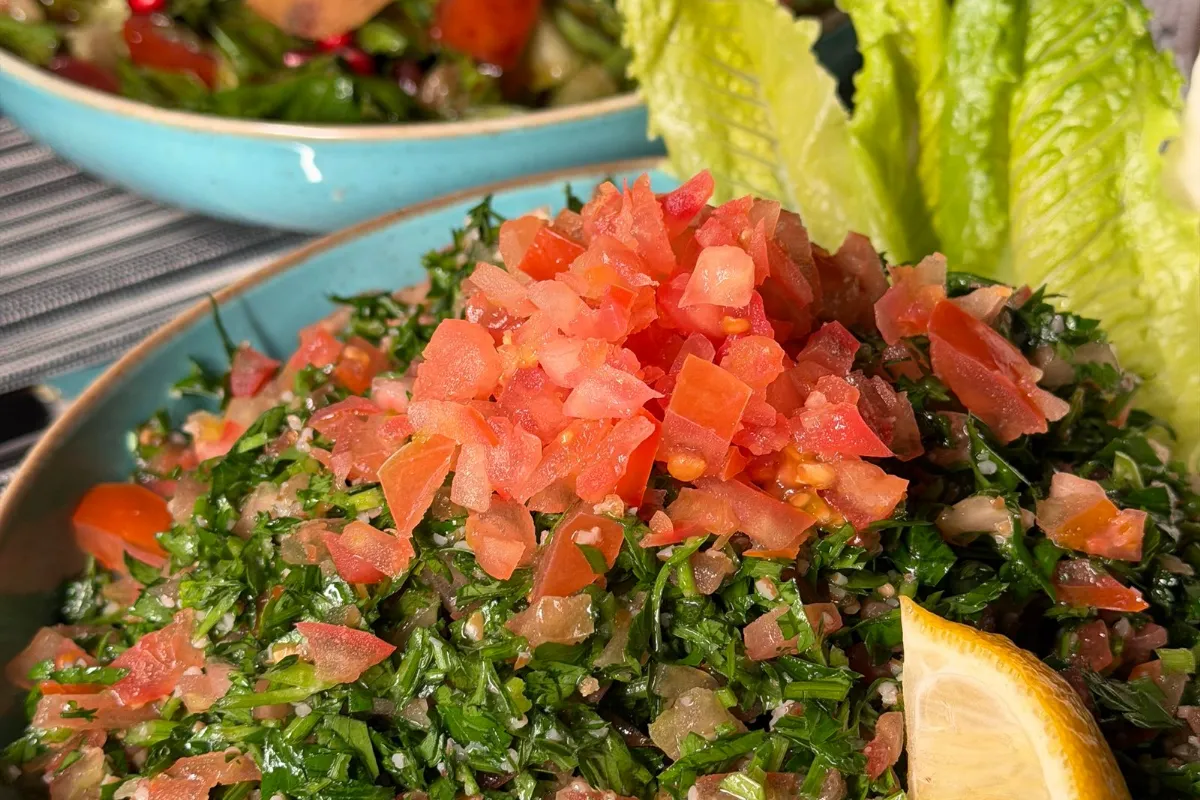
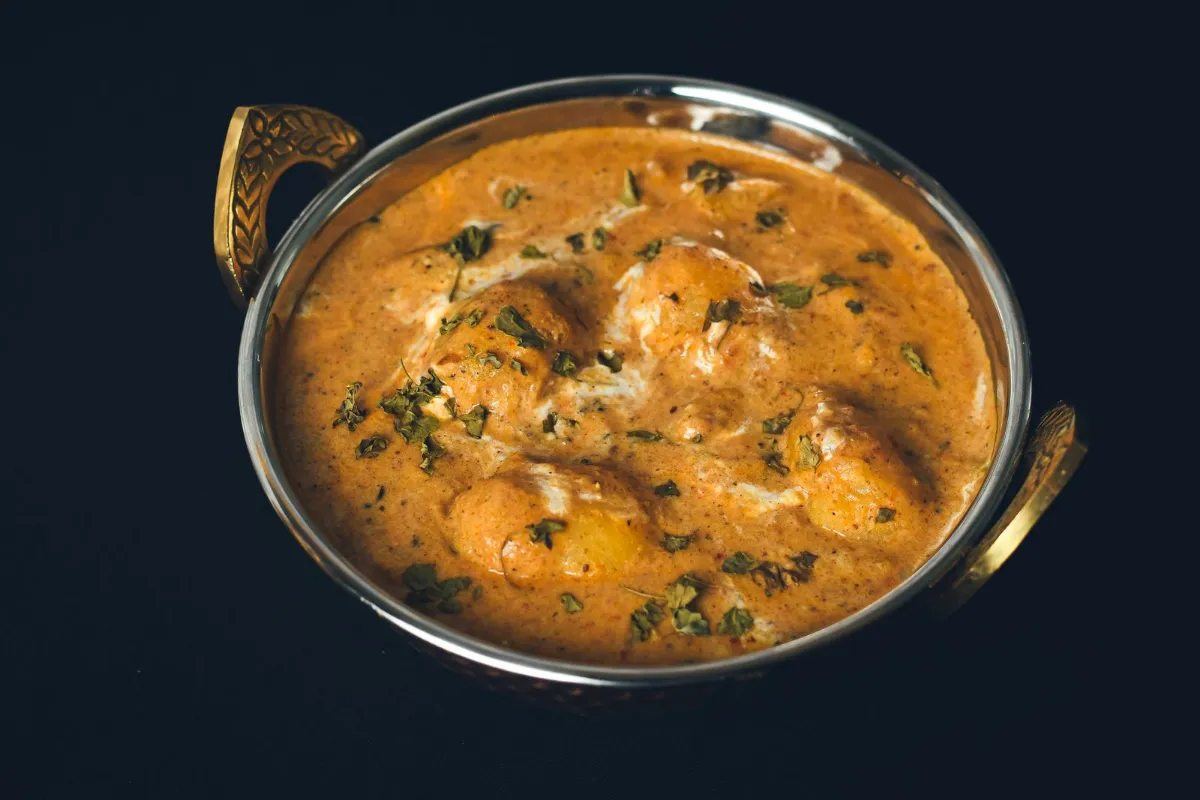
See Coach ModeSearch Indian and Lebanese dishes and packaged foods sold in India and Lebanon, or build a recipe from your own ingredients and log it by serving or weight.
free recipe calorie calculatorStrength and powerlifting, cardio, calisthenics and CrossFit-style WODs share one log, with saved routines, exercise history and estimated one-rep max trends.
Explore workoutsFood logs never reach the feed or a leaderboard, your coach sees only what you allow, and leaderboards are opt-in.
How privacy worksComparing apps? See One Fitness Hub next to other fitness apps, feature by feature.
Compare fitness appsAll in one place
Each part of your routine has its own tab in the app, and every tab feeds the same history. Tap through the four areas.
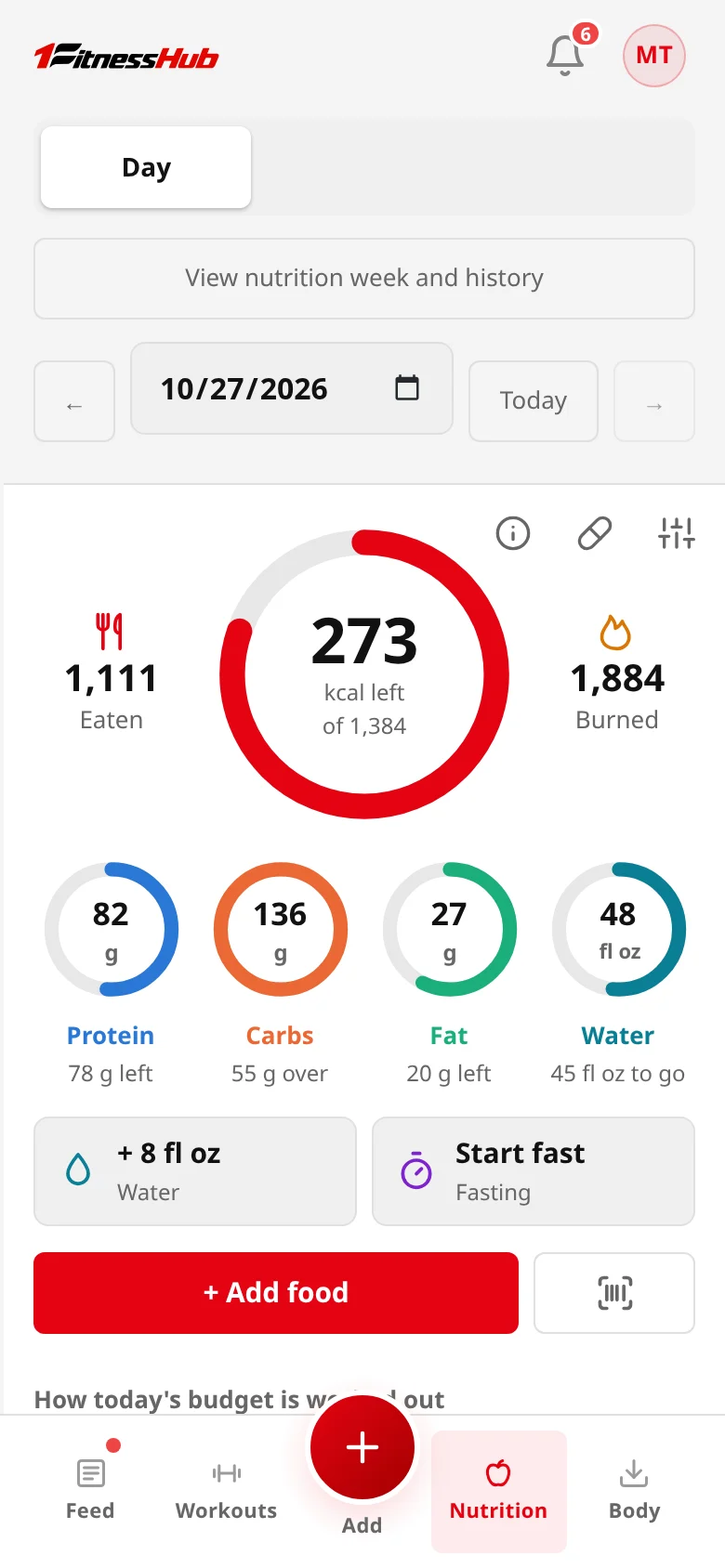
Scan a barcode or a nutrition label, search a familiar dish, or build a home recipe. Calories, macros and water sit beside the training you logged today.
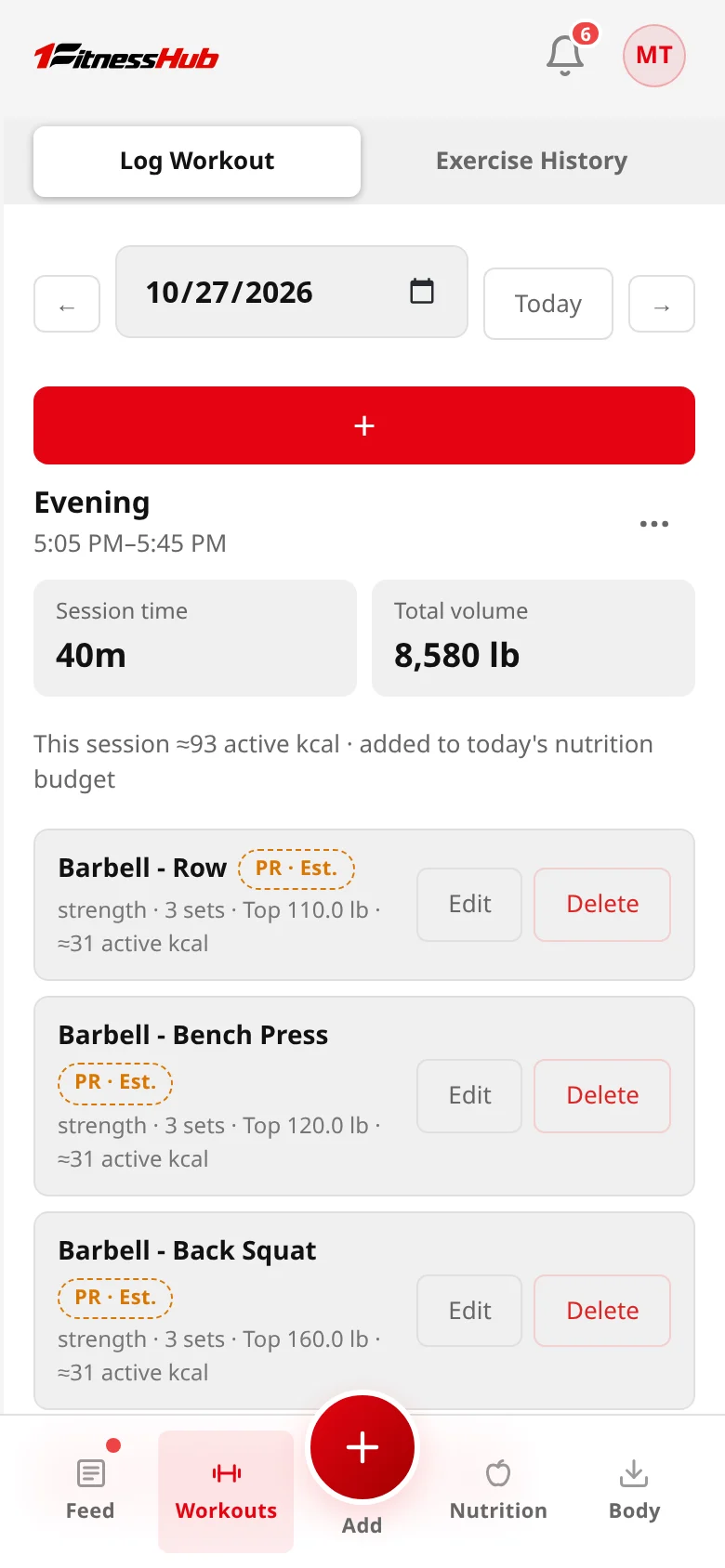
Lift, run, try a new routine, or mix it up. Keep the details of each workout and return to your history when you’re ready to build on it.
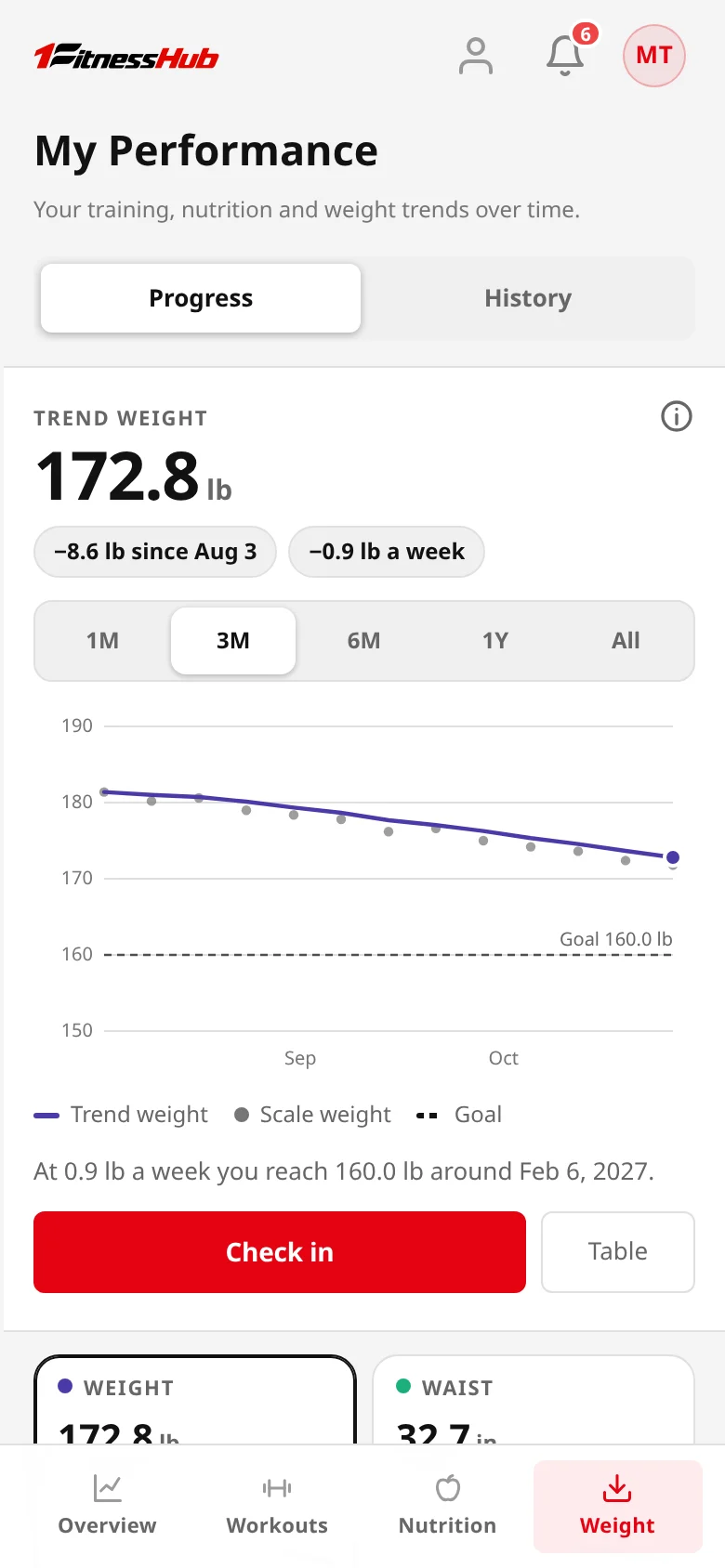
Keep body check-ins, measurements, and progress photos in one record. Look at trends over time and choose the measures that matter to your goals.
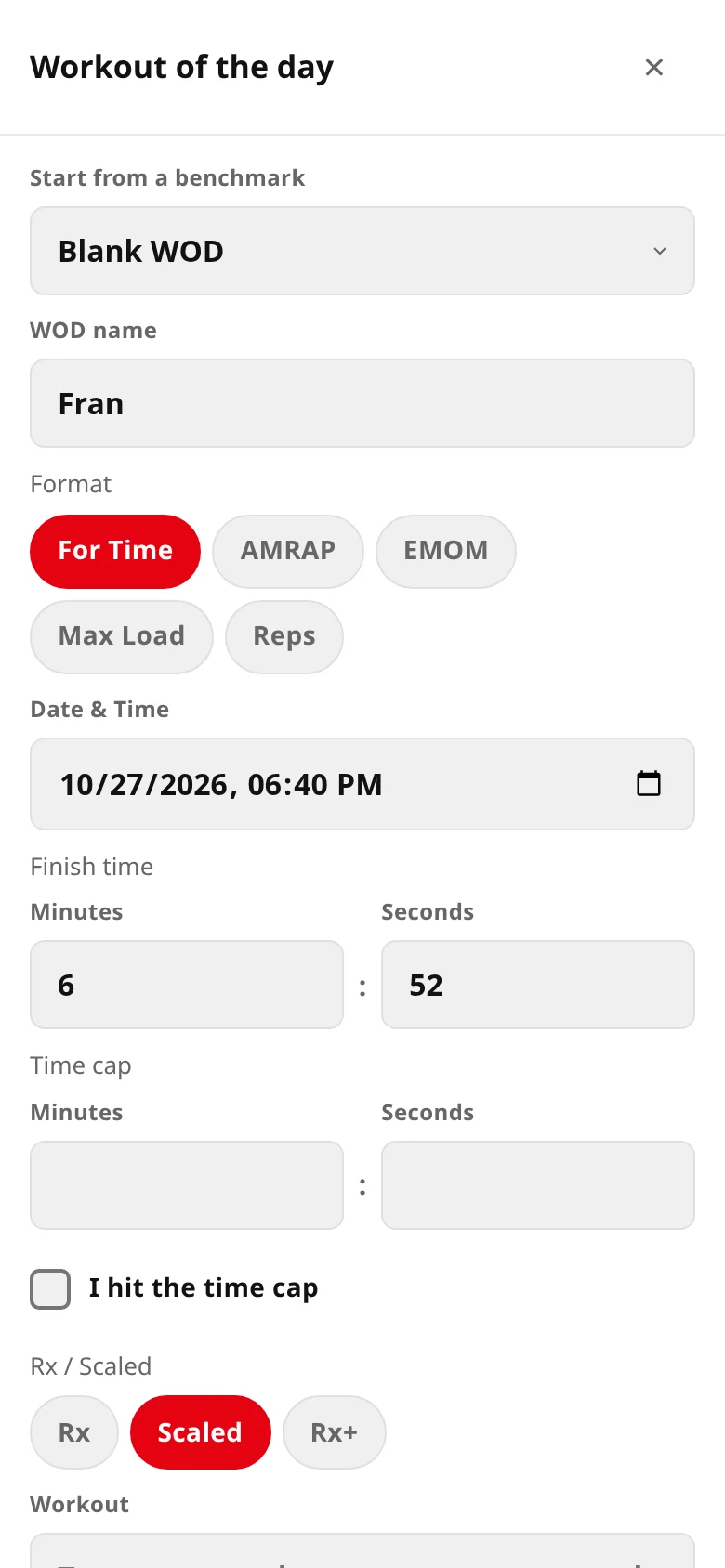
Keep CrossFit-style workouts alongside the rest of your training. Record the format, result, and scaling that reflect what you actually did.
Nutrition made easy
Scan a barcode or a nutrition label and check what was read, search Indian, Lebanese and everyday dishes, or build a recipe from your own ingredients. Calorie and macro targets are fitness estimates for adults 18 and over, not medical or dietary advice.
How scanning works Browse 49 example recipes
Log your recipes by serving or weight, with calories and macros kept together.
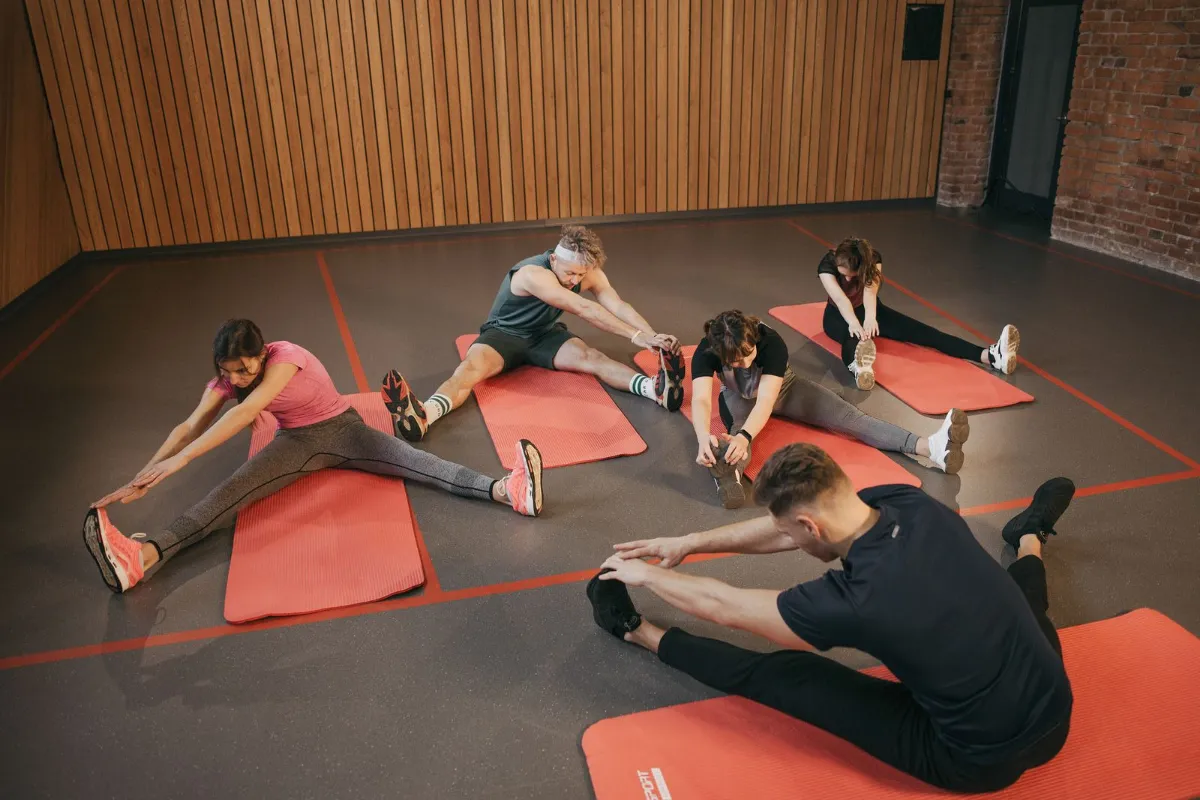
Support for different goals and ways of moving.
Coach Mode
Train on your own, work with a personal trainer, or coach your clients and run classes from the same app your clients log in.
Keep the next workout and your coach conversations connected to the training you actually log.
Build and assign routines and programs, review the records each client chooses to share, and keep conversations together.
Coaching is for adults 18 and over.
Where it connects
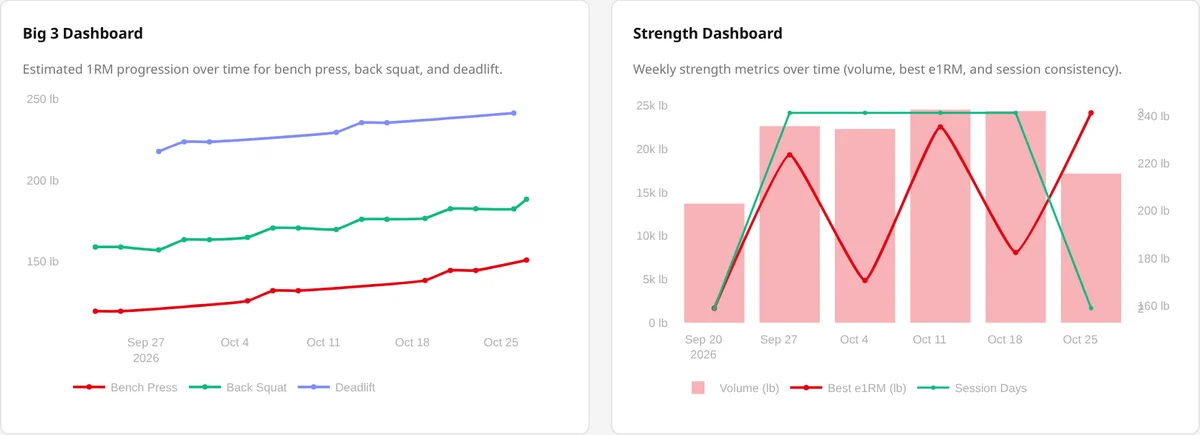
Because food, training and body check-ins share one record, the analytics dashboards can show them together: strength trends, nutrition context and your check-in history.
Performance and body figures are fitness estimates, not medical measurements.
A record that stays yours
Keep your routine personal. Share what helps you feel supported, and keep the rest to yourself.
How we handle your dataWorkouts and body check-ins stay private unless you choose to share them. Community sharing and leaderboards are optional.
Choose which records your coach can access. You can change those choices as your routine changes.
Food logs never appear in the public feed or on leaderboards. They stay part of your own fitness record.
Adults 18 and over can record existing doses, schedules, injection sites, and reminders. Peptide logs are never shared with coaches. The app does not recommend a dose or treatment change; it is not medical advice.
Learn about private recordkeepingA closer look
Follow real workflows in the app, from a recorded workout to nutrition tracking and a coach-client plan. Every demo uses fictional sample data.
Follow workout logging and see how your training history stays connected.
Watch the workout demoExplore food logging, nutrition targets, and the dashboards behind the day.
Watch the nutrition demoSee how a coach and client work with programs, sharing, and messages.
Watch the coaching demoShare a session, follow a friend, or explore an opt-in leaderboard. Your everyday tracking works just as well in private.
Our customers
Training businesses that use One Fitness Hub with their clients.

A few things to know
Start with what fits your routine. There’s room to add more as you go.
Visit the Help CenterTrack workouts, food, recipes, body weight, measurements and progress photos in one app. Work with a personal trainer, build client programs or run a group class timer. Analytics dashboards connect your training, nutrition and body progress, and private peptide tracking keeps your existing dose records alongside them.
Most people use separate apps for food, workouts and body weight. One Fitness Hub keeps nutrition, body check-ins and workouts in one account with shared analytics dashboards, logs packaged food by scanning a barcode or nutrition label, and includes Coach Mode for personal trainers and coaches.
Log strength training and powerlifting, cardio, calisthenics and CrossFit-style workouts of the day. Record weight and reps, duration and distance, or timed holds as appropriate for the exercise. Save mixed sessions as routines and review your exercise history.
Yes. Coaches can build and assign routines and programs from one week up to three months, schedule workouts and appointments, review the progress each client chooses to share and exchange private messages. Coaching is for adults 18 and over.
Coaches can build saved class plans with exercises, rounds, work intervals and rest periods, then run a full-screen class timer with sound cues and their club branding. Class timing is separate from each member's personal workout log.
Yes. Search a food library built on USDA FoodData Central, with Indian and Lebanese dishes and packaged foods sold in India and Lebanon. Scan barcodes or nutrition labels, or build a recipe from your own ingredients and log it by serving or weight. Calorie and macro targets are fitness estimates for adults 18 and over, not medical or dietary advice.
Yes. Record body weight and measurements, compare before-and-after photos from matching front, side or back angles and review weight and estimated body fat trends in analytics dashboards. Body fat figures are fitness estimates, not medical measurements.
Yes. Adults 18 and over can privately record the dose and schedule they were given, injection sites, vials or pens and reminders. Estimated levels are not blood tests or measurements. The app never recommends a dose or treatment change and is not medical advice.
Yes. Workouts and body check-ins stay private unless you share them. Clients choose which records their coach can access and can change those choices. Food logs never appear in the public feed or on leaderboards, and peptide logs are never shared with coaches. Leaderboards are optional and opt-in.
Use the Android app or any mobile or desktop browser with the same account. Review your dashboards on a computer, log on your phone and keep your training, food and body progress together between devices.
A place to begin
A workout. A scanned meal. A check-in. Keep every part of it in one record.
Photography: Ketut Subiyanto, Pavel Danilyuk, Anthony Rahayel, and Pinaki Panda, via Pexels. Photos illustrate activities and food; they do not depict customers or testimonials.
One Fitness Hub performs calculations (like e1RM, body-fat, BMI, BMR and calorie estimates) and shows images, including exercise-form visuals, on forms and elsewhere in the app. These are for informational purposes only — not medical advice, and not produced or reviewed by a certified personal trainer. Some images are generated with the assistance of AI and reviewed by our team, but may still contain inaccuracies. Use at your own risk. Spot something wrong? Email support@onefitnesshub.com and we'll review it. Full details in our Terms of Service.